
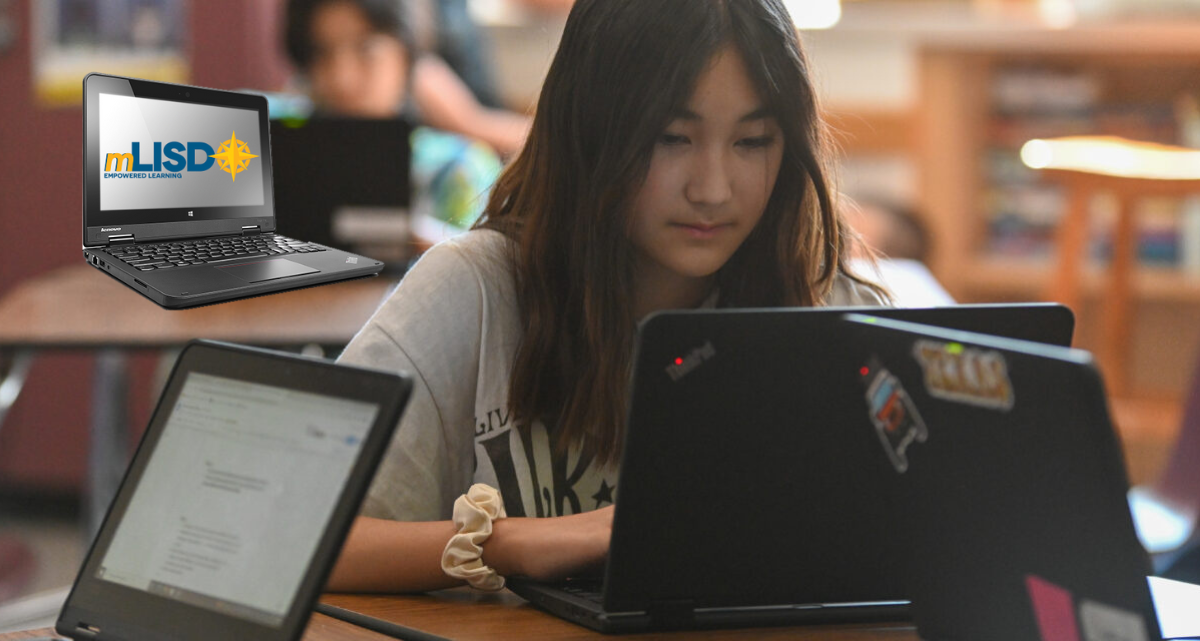
We’re excited to let LISD families know that they can secure their student’s district-issued laptop for the 2026–2027 school year. While participation is optional, taking this step now helps your child get a head start on the new school year.
Pay the Non-Refundable Security Deposit
Our MySchoolBucks portal is now open:
- $60 – High school students per school year
- $40 – Middle school students per school year
- $0 – Students eligible for free or reduced meals (Although security deposit is waived, families must complete registration each year through the district’s online store, MySchoolBucks, or submit a signed Parent and Student Acceptance Form.)
Paying the deposit allows your child to keep their laptop/Chromebook over the summer, ensuring it is ready for the first day of school.
Benefits of Keeping the Laptop/Chromebook Over the Summer
- Practice typing and explore self-guided learning projects
- Access eBooks via OverDrive or Google Books
- Be ready on day one—avoid waiting for device deployment later in the year
- Reduce back-to-school expenses, as the deposit is already covered
Payment Methods
1. Online Payment
- Use MySchoolBucks with a debit or credit card.
2. Scholarships
- Students eligible for free or reduced-price meals do not need a scholarship.
- Scholarships are available for other students. To apply, families can:
- Apply online or
- Email [email protected] or contact their campus counselor
- Include in your email:
- Student’s name
- Campus
- Student ID number
- Parent/guardian phone number
Next Steps: Secure your student’s laptop today and start the school year ready to go!
